Free AI Voice Cloner & TTS Presets
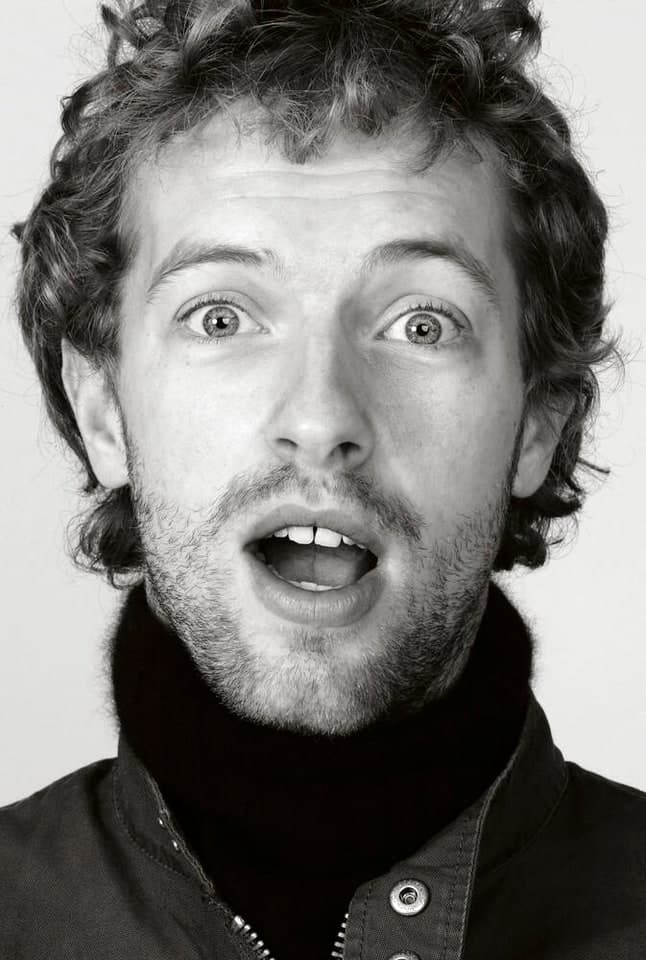
Free Chris Martin AI Voice Generator
Chris Martin's voice evokes warmth and authenticity, making it perfect for creative voiceovers that engage and resonate with audiences. His unique style combines a soft, melodic tone with a heartfelt delivery, inviting listeners into a world of storytelling and emotion.
Known for its versatility, this voice can effortlessly shift from casual conversational vibes to more dramatic and impactful narratives. Whether capturing the essence of a heartfelt message or adding a playful touch, Chris Martin's voice leaves a lasting impression that captivates and transports listeners.
Chris Martin's voice evokes warmth and authenticity, making it perfect for creative voiceovers that engage and resonate with audiences. His unique style combines a soft, melodic tone with a heartfelt delivery, inviting listeners into a world of storytelling and emotion.
Known for its versatility, this voice can effortlessly shift from casual conversational vibes to more dramatic and impactful narratives. Whether capturing the essence of a heartfelt message or adding a playful touch, Chris Martin's voice leaves a lasting impression that captivates and transports listeners.
New accounts include credits to try persona voice generation at no cost. Additional use may require purchasing credits — see pricing after sign-up.
Persona presets are for creative voiceover workflows on VocalMask. You are responsible for lawful, non-misleading use. VocalMask does not claim affiliation with any real person. See Terms of Service. Terms of Service · Privacy.
Hear example lines in this style
Sample scripts below were written for this preset. Audio is generated with VocalMask's persona engine (reference sample + your text).
“I once tried to sing with a cat, but she walked out on me!”
“If I had a dollar for every time someone asked me about my wardrobe, I’d probably buy more colorful shirts!”
“I think my microphone has a better social life than I do.”
“Some days I feel like a rock star, other days just a rock in the corner.”
When this type of voice works well
- Engaging storytelling for podcasts and audio books.
- Enticing promotional content for brands and products.
- Dynamic voiceovers for animated characters and videos.
How to Generate Chris Martin AI Voice from Text?
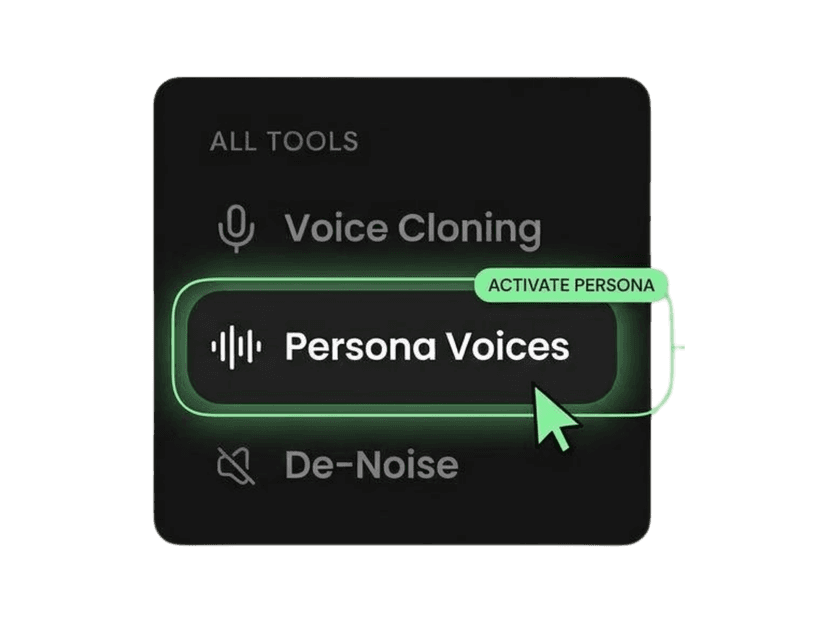
Open Persona Voices
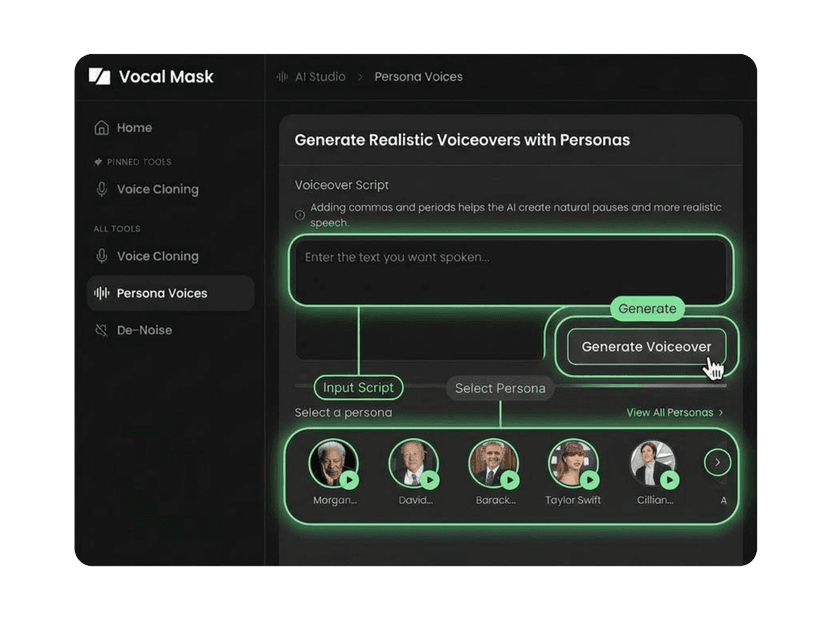
Select the Chris Martin preset
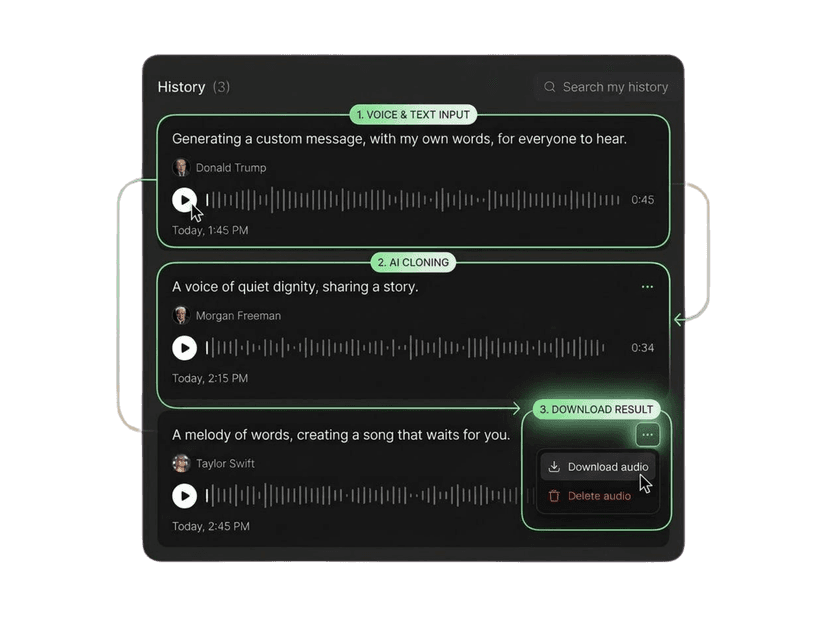
Paste text and generate
More AI voices like this
More musician-style presets
More public figure-style presets
More media host-style presets
Need your own voice instead of a preset? Use Voice Cloner with audio you have rights to use.
What Our Users Say
Join millions of users worldwide. See what people are saying about VocalMask.
“Voice cloning is shockingly good.”
I uploaded a short sample and got a clean clone fast. The result sounded natural and kept the tone really well.
“Persona voices saved me hours.”
Picking a persona and generating a voiceover is super smooth. The previews are fast and I love that only one voice plays at a time.
“De-Noise is a must-have for my workflow.”
I cleaned up a recording with background noise and it came out way clearer without ruining the voice. Huge win for podcasts.
“The generation experience feels polished.”
Even when I refreshed mid-generation, the "Generating…" item stayed in history and the final audio appeared when done. That UX detail matters.
“Voice cloning is shockingly good.”
I uploaded a short sample and got a clean clone fast. The result sounded natural and kept the tone really well.
“Persona voices saved me hours.”
Picking a persona and generating a voiceover is super smooth. The previews are fast and I love that only one voice plays at a time.
“De-Noise is a must-have for my workflow.”
I cleaned up a recording with background noise and it came out way clearer without ruining the voice. Huge win for podcasts.
“The generation experience feels polished.”
Even when I refreshed mid-generation, the "Generating…" item stayed in history and the final audio appeared when done. That UX detail matters.
“Great results, especially for quick voiceovers.”
The persona voices are strong and consistent. I'd love even more personas later, but what's there is already very usable.
“Voice cloning works well with clean input.”
Best results when my sample is clear (as expected). When I use good audio, the clone quality is excellent.
“De-Noise is fast and effective.”
It removed most of the hum and room noise from my file. I still did a tiny manual touch-up afterward, but overall it's really solid.
“Great results, especially for quick voiceovers.”
The persona voices are strong and consistent. I'd love even more personas later, but what's there is already very usable.
“Voice cloning works well with clean input.”
Best results when my sample is clear (as expected). When I use good audio, the clone quality is excellent.
“De-Noise is fast and effective.”
It removed most of the hum and room noise from my file. I still did a tiny manual touch-up afterward, but overall it's really solid.
Chris Martin AI voice — common questions
Accurate answers about VocalMask credits, commercial use, and getting started.
Chris Martin's AI voice on VocalMask is a preset designed to sound like the acclaimed musician. It's perfect for various voiceover applications, providing an engaging and emotional tone that resonates with listeners.
To use the Chris Martin AI voice, you need to sign up for VocalMask, which provides credits for new users. These credits will allow you to experiment with various voices, including Chris Martin's.
For commercial use of the Chris Martin AI voice, please refer to VocalMask's Terms of Service. This will provide you with the necessary guidelines regarding licensing and usage rights.
Yes, you can use Chris Martin's AI voice from VocalMask for YouTube videos or TikTok content, but make sure to adhere to the platform's guidelines and VocalMask's terms for appropriate usage.
To start using the Chris Martin voice, sign up for VocalMask, explore the voice presets, and select Chris Martin's voice. Follow the prompts to create your voiceover, and let your creativity flow!
The user is responsible for ensuring compliance with all legal and copyright regulations when using Chris Martin's AI voice from VocalMask. Be sure to review the Terms of Service for necessary guidelines.
 VocalMask
Try Out the Best AI Voice Cloning for Free
Easily clone and design voices in various styles and languages. Start your journey today with VocalMask and experience the future of voice cloning!